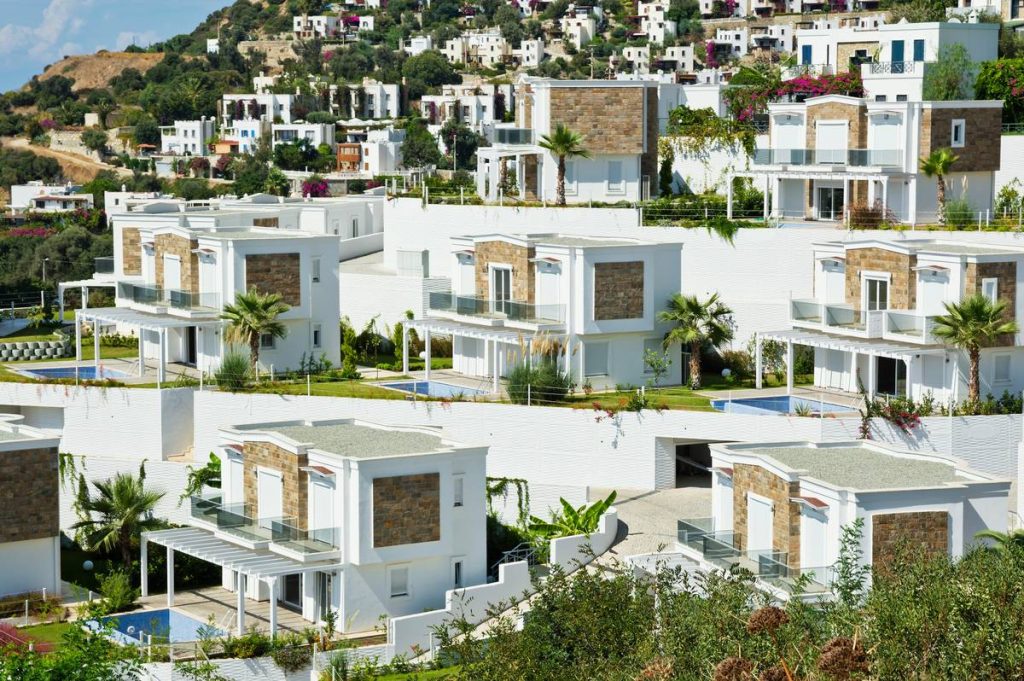
You book what looks like a dream rental—stunning photos, five-star reviews, “smart home” listed under amenities. You arrive. The thermostat’s stuck on 80°F. The “keyless entry” requires a 12-digit code you never received. And the “high-speed Wi-Fi” buffers during a 5-minute YouTube clip. Frustrating? Absolutely. But it’s not your fault—it’s the industry’s dirty little secret. The solution? Demand rentals that blend heritage charm with genuinely functional smart tech. Not just buzzwords.
The Illusion of “Smart” in Global Vacations Rental Homes
Most platforms slap “smart home” on any property with a Nest thermostat—even if it’s offline, unpaired, or password-locked by the owner. Travelers assume seamless control. Reality? You’re left Googling reset instructions at midnight while your kids melt down from jet lag. This mismatch isn’t accidental. It’s cost-cutting disguised as innovation.
And here’s the kicker: many historic properties retrofitted with “modern” tech actually degrade user experience. Old wiring can’t support mesh networks. Stone walls murder signal strength. Yet listings boast “whole-home Wi-Fi.” Misleading? Yes. Legal? Also yes.
Your Step-by-Step Guide to Booking Truly Smart Global Vacations Rental Homes
Verify Core Smart Amenities Before You Pay
Don’t trust bullet points. Message the host: “Can I control lights, locks, and climate from my phone upon arrival?” If they hesitate or say “Everything’s pre-set,” walk away. Real smart homes hand you full app access—not just a key.
Check Bandwidth—Not Just “Wi-Fi Available”
Ask for speed test results from inside the living room and bedrooms. Anything under 25 Mbps download is useless for video calls or streaming 4K. Bonus: Look for properties advertising “dedicated guest network”—that means no fighting for bandwidth with the security cameras.
Prioritize Integration Over Gadget Count
Ten disconnected smart devices create chaos. One unified system (like Apple HomeKit or Google Home) that links lights, blinds, audio, and climate? That’s luxury. Check listing photos for consistent brand ecosystems—not a jumble of Amazon Echos, Philips Hue bulbs, and random Xiaomi sensors.

| Smart Feature | Surface-Level Claim | What to Actually Verify | Risk if Ignored |
|---|---|---|---|
| Keyless Entry | “Digital lock provided” | Can you generate your own temporary code via an app? | Locked out after 10 PM with no local contact |
| Climate Control | “Smart thermostat installed” | Is it linked to your guest account pre-arrival? | Arrive to freezing or sweltering rooms |
| Entertainment | “Smart TV included” | Are Netflix/Disney+ logged in—or do you need your own credentials? | No streaming without sharing personal passwords |

The Industry Secret No One Talks About
Top-tier property managers—the ones handling $1,000+/night stays in Kyoto, Lisbon, or Charleston—don’t just install smart tech. They embed failure protocols. Example: if the Wi-Fi drops, a backup LTE hotspot auto-activates. If the app fails, physical remotes are hidden in drawers labeled with QR codes that link to video tutorials. This redundancy costs money—which is why budget rentals skip it. But the best hosts know: tech only impresses when it works silently. When it breaks, human-centered design saves the trip.
Think about it. A “smart” home that needs constant troubleshooting isn’t smart—it’s another chore. The real luxury is invisibility.
Frequently Asked Questions
Are global vacations rental homes with smart features more expensive?
Sometimes—but not always. Many modernized historic homes charge premium rates for ambiance, not tech. Always compare total value: a $300/night rental with flawless automation beats a $250 one where you spend hours fixing glitches.
Can I use my own smart devices in these rentals?
Generally yes, but ask first. Some systems block new device pairing for security. Others welcome it—especially if you’re staying a week or more. Bring a travel router if streaming is critical.
Do smart amenities work reliably in older buildings?
Only if properly engineered. Stone, brick, and thick plaster kill signals. Reputable hosts use mesh extenders or wired backbones. Never assume—ask for floorplan heatmaps of Wi-Fi coverage before booking.